Wireless vs wired tattoo machines: which setup wins?
Wireless machines went from novelty to default choice in a few short years — but the cable never actually lost. Both setups do the same job with different trade-offs, and the right answer depends on your sessions, not on fashion.
Battery freedom against cable certainty — autonomy, weight, voltage stability, hygiene and cost, compared honestly so you can pick the setup that fits how you work.
What actually changes without the cable
| Criterion | Wireless | Wired |
|---|---|---|
| Freedom of movement | Total — no cable drag or snags | Cable manages fine with practice, but it is there |
| Weight in hand | Heavier — battery adds 30–80 g+ | Lighter machine body |
| Power continuity | Limited by battery; needs charge discipline | Unlimited — stable for any session length |
| Voltage stability | Excellent on quality packs, dips as cells age | Rock steady from a good supply |
| Hygiene | One less cable to sleeve | Clip cord/RCA needs a barrier sleeve |
| Cost | Machine + battery packs (they age and need replacing) | Machine + power supply + cords |
| Failure modes | Flat or ageing battery mid-session | Cable or connector wear |
The case for wireless
- Nothing tugs at your grip: rotating around an arm or working awkward placements is simply easier.
- Faster station setup and a cleaner hygiene chain — one less contaminated cable to sleeve and manage.
- Travel-friendly: a pen and two batteries make a complete guest-spot kit.
- Modern packs display voltage and charge level, so surprises are avoidable with basic discipline.
The case for wired
- A quality power supply delivers identical voltage at hour five as at minute one — no battery ageing, no charge anxiety.
- Lighter in the hand: the same pen without a battery pack is noticeably less fatiguing across a long day.
- Cheaper over time: batteries are consumables with a cycle life; a good PSU lasts many years.
- Nothing to remember to charge — which matters more than anyone admits.
Convertible setups have quietly won this debate: most current pens accept both a battery pack and a cable. Buy quality once, run wireless for mobility-heavy work, and plug in for marathon sessions. If you must choose one: artists doing long sittings tend to stay wired; artists moving around bodies all day tend to go wireless — with two batteries, always.
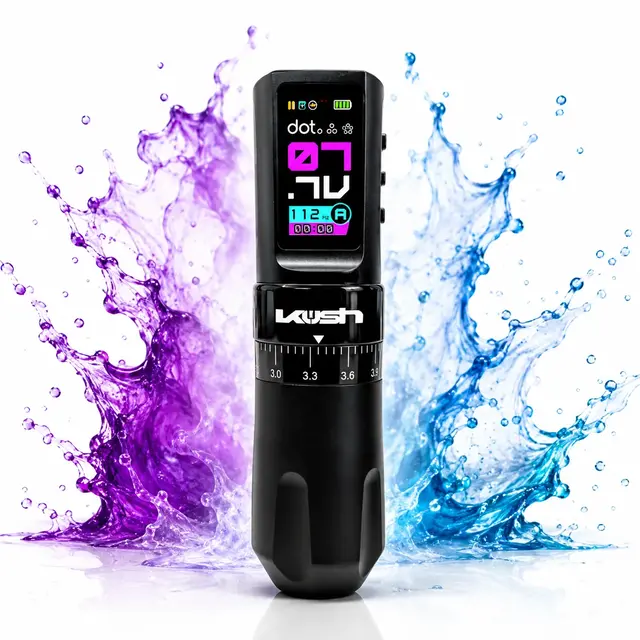
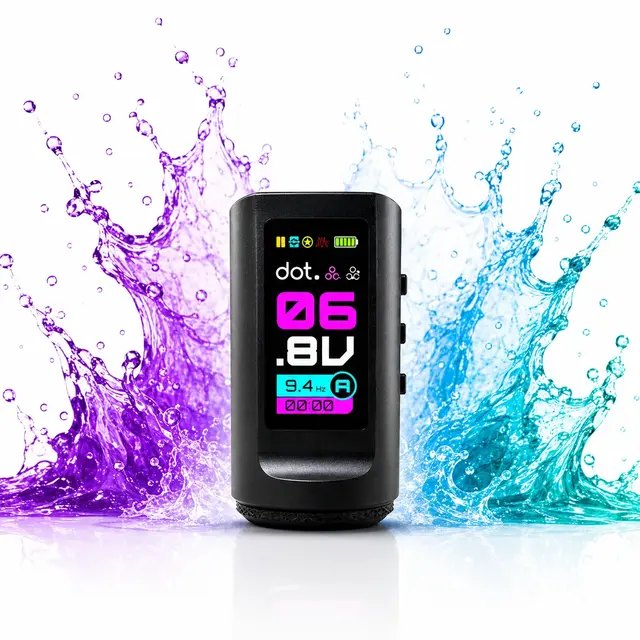
Machines and power in the catalogue
If you go wireless: the checklist
- Two batteries minimum — one charging, one working. Sessions do not pause for charge cycles.
- Replaceable, purchasable batteries: cells age chemically no matter the brand; a machine whose battery cannot be replaced has a countdown built in.
- A pack with a clear voltage display and low-charge warning.
- Charge discipline: batteries topped up at the end of each day, not discovered flat at the start of the next.
Frequently asked questions
Are wireless tattoo machines as stable as wired ones?+
Quality wireless packs hold voltage impressively well, but cells age and output can dip late in a long session or late in a battery's life. A good wired power supply is stable indefinitely. For most sessions the difference is negligible; for marathon sittings, wired keeps the edge.
How long does a tattoo machine battery last per charge?+
It varies with the machine, voltage and battery capacity — manufacturers quote figures from a few hours upwards. The practical answer is to own two batteries and rotate them, so per-charge autonomy stops being a limiting factor.
Is wireless more hygienic than wired?+
Slightly, in workflow terms: there is no clip cord to sleeve and manage, which removes one contamination bridge and speeds up setup. The machine itself still needs bagging or barrier film either way.
Should a beginner buy wireless or wired?+
Either works — but wired removes one variable (charge management) while you learn, and the money saved on battery packs buys practice materials. A convertible pen gives you the wireless option later without a new machine.